Guide
Measuring & notes
Updated August 19, 2026
Measure
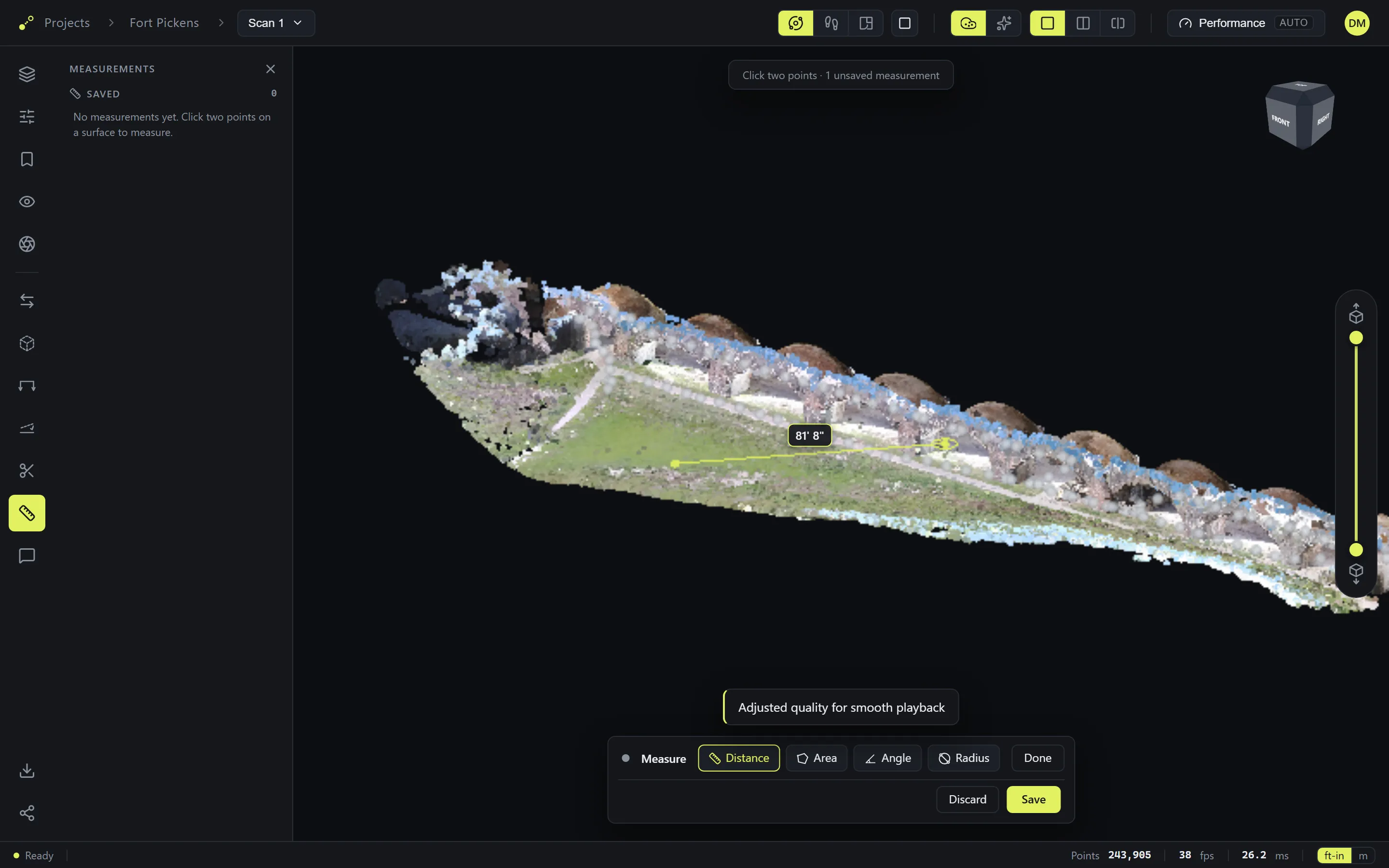
Arm the ruler on the tool rail and pick a mode from the bar: Distance, Area, Angle, or Radius. Click points on the model — the value appears as you go. Save keeps the measurement (it joins the Measurements panel and reopens with the scan); Discard drops it. Values follow the ft-in / m toggle in the status bar.
Annotate
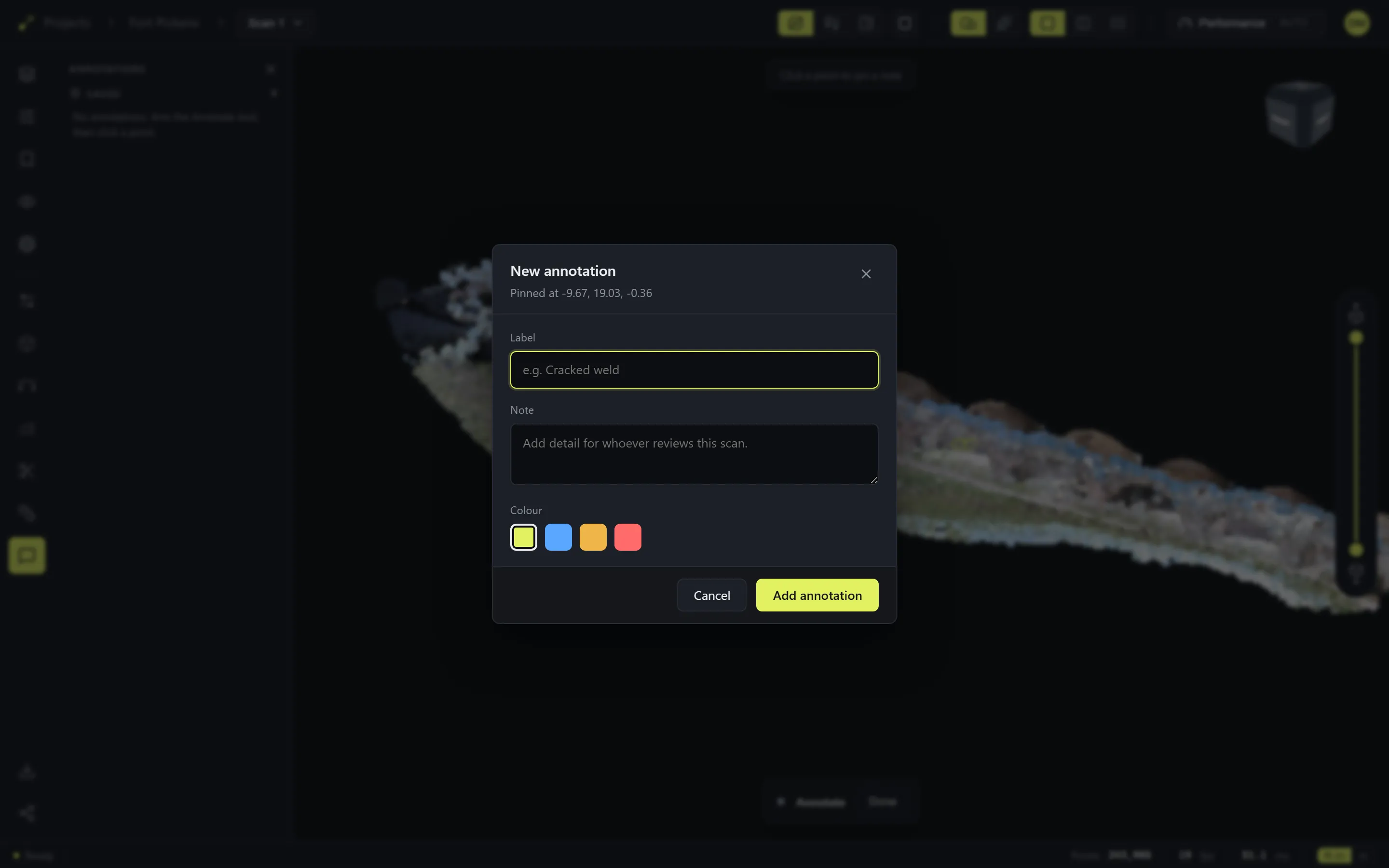
Arm the note tool and click a point — the note pins to that exact 3D spot. Give it a label, detail for whoever reviews the scan, and a color. Saved notes list in the Annotations panel and appear pinned in the model.
Previous: Views & sections · Next: Scan cleanupQuestions? Email support